
A little clarity at every meal
Track meals
with a photo.
Snap N Eat estimates calories and macros from your food photos. Review your estimates, log your meals, and see your progress.
See how it works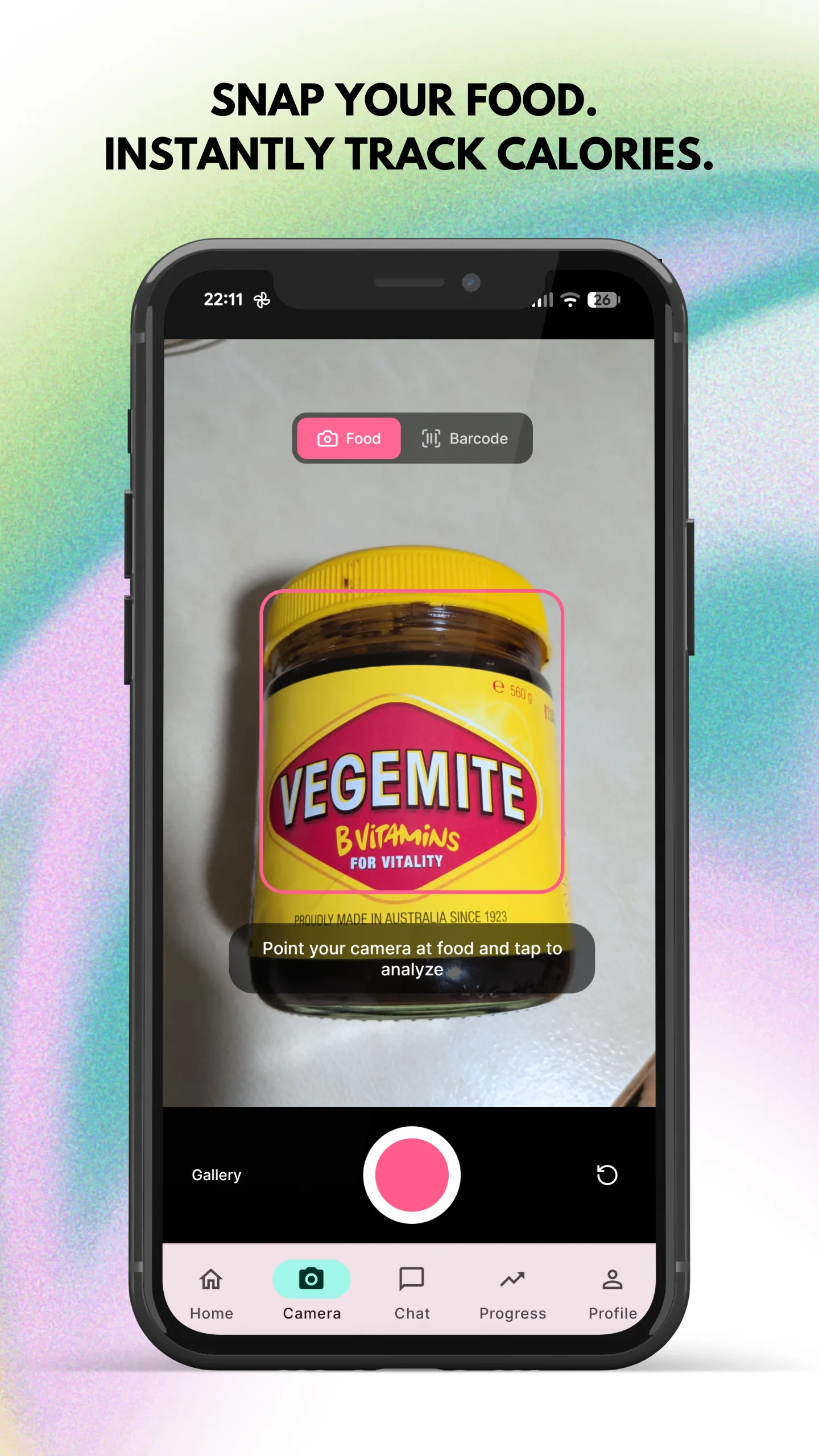
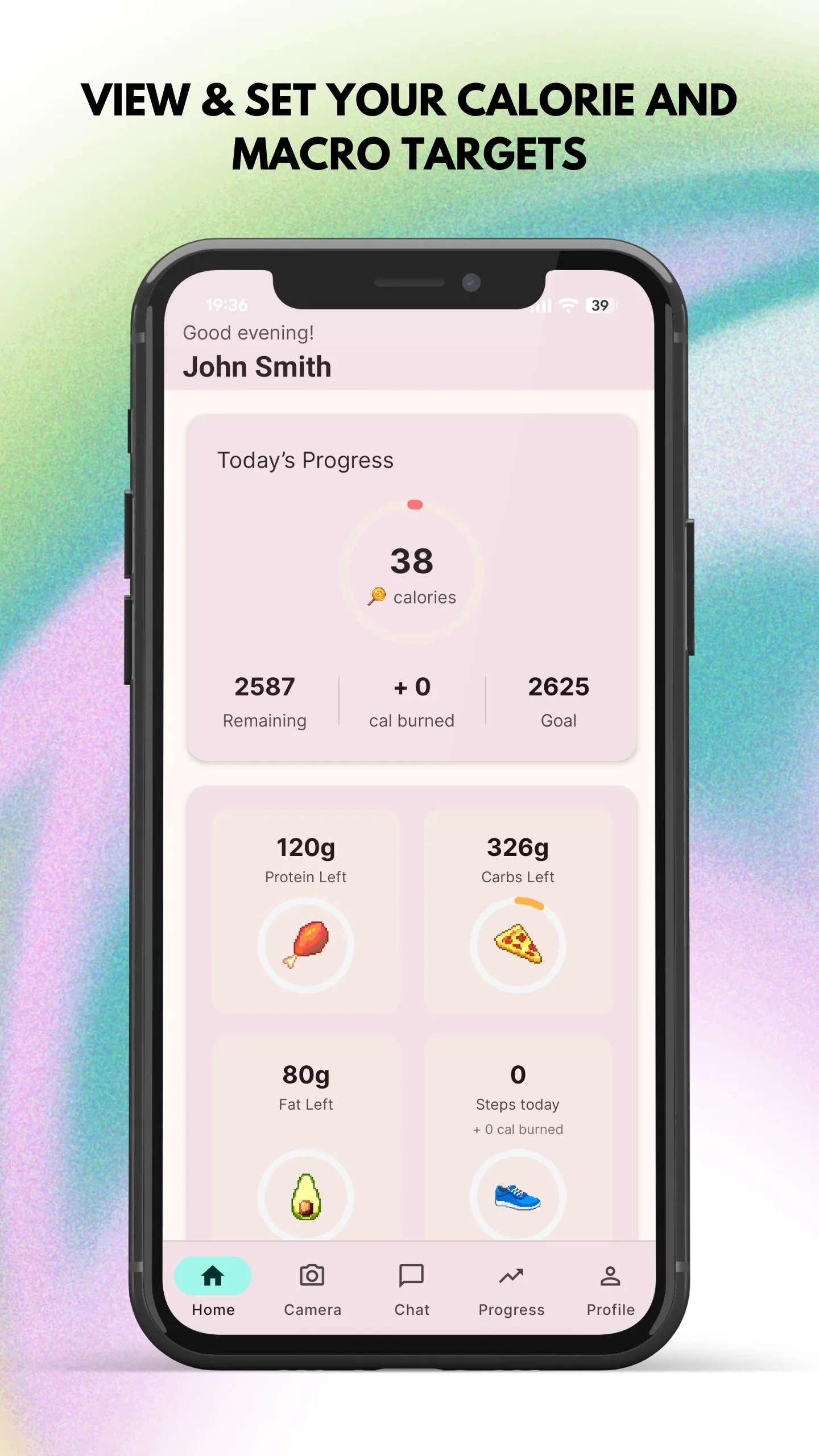
Actual app screens. Nutrition values are estimates.
How it works
A food diary that starts with your camera.
- 1
Snap your food
Take a photo in the app, or search for a food by name or brand.
- 2
Review your estimates
Check the calories, protein, carbs, and fat before saving your meal.
- 3
Build your food diary
Keep your meals together and follow your nutrition over time.
Everyday essentials
More understanding. Less busywork.
Less typing, more tracking
Use a photo to estimate the calories and macros in your food.
Your food, your way
Search foods by name or brand when you prefer to log manually.
Progress you can see
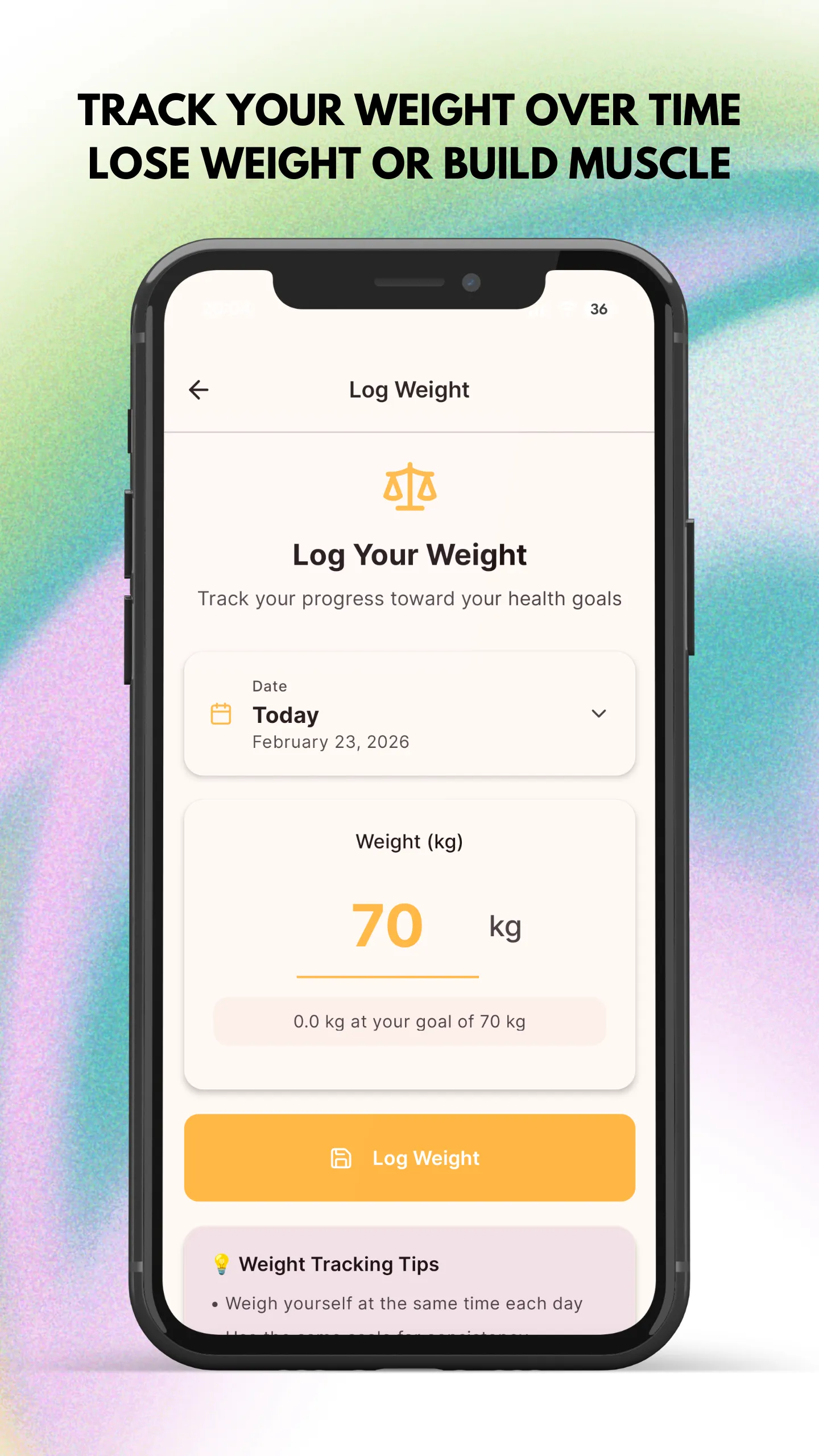
Set your weight goals and follow changes with progress charts.
Make room for water
Set a daily water goal and log your cups throughout the day.
Inside the app
Small habits. A clearer picture.
From your first food photo to your progress over time, keep the details that matter close at hand.
How does photo tracking work?
Take a food photo in Snap N Eat. The app analyses it to estimate calories and macros, which you can review before saving your meal.
Are the nutrition values exact?
Photo-based nutrition values are estimates. Portion size and ingredients can affect the result. Review your meal details before logging.
Can I add food without a photo?
Yes. Search the food database by name or brand to add food manually.
Where can I get help?
Visit Help & Support for getting started guides, account help, and troubleshooting.
Ready when you are
Start with your next meal.
Get Snap N Eat on your phone and put your food diary in your pocket.